The Oscars of Audiobooks – the Audie Awards

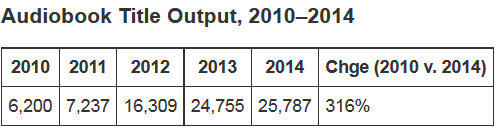
I am a big audiobook fan, and I’m not the only one! Audiobooks sales are booming. In fact, audiobooks are the fastest-growing segment in publishing . Much of this surge in popularity can be related to the increasing popularity of the digital download,  though most audiobooks are available in both cd and digital formats. The production quality of audiobooks has also increased dramatically in recent years, with accomplished performers bringing their talents to the audiobook realm. Not surprisingly, publishers are producing more and more audiobooks – look how the publication of audiobooks has grown:
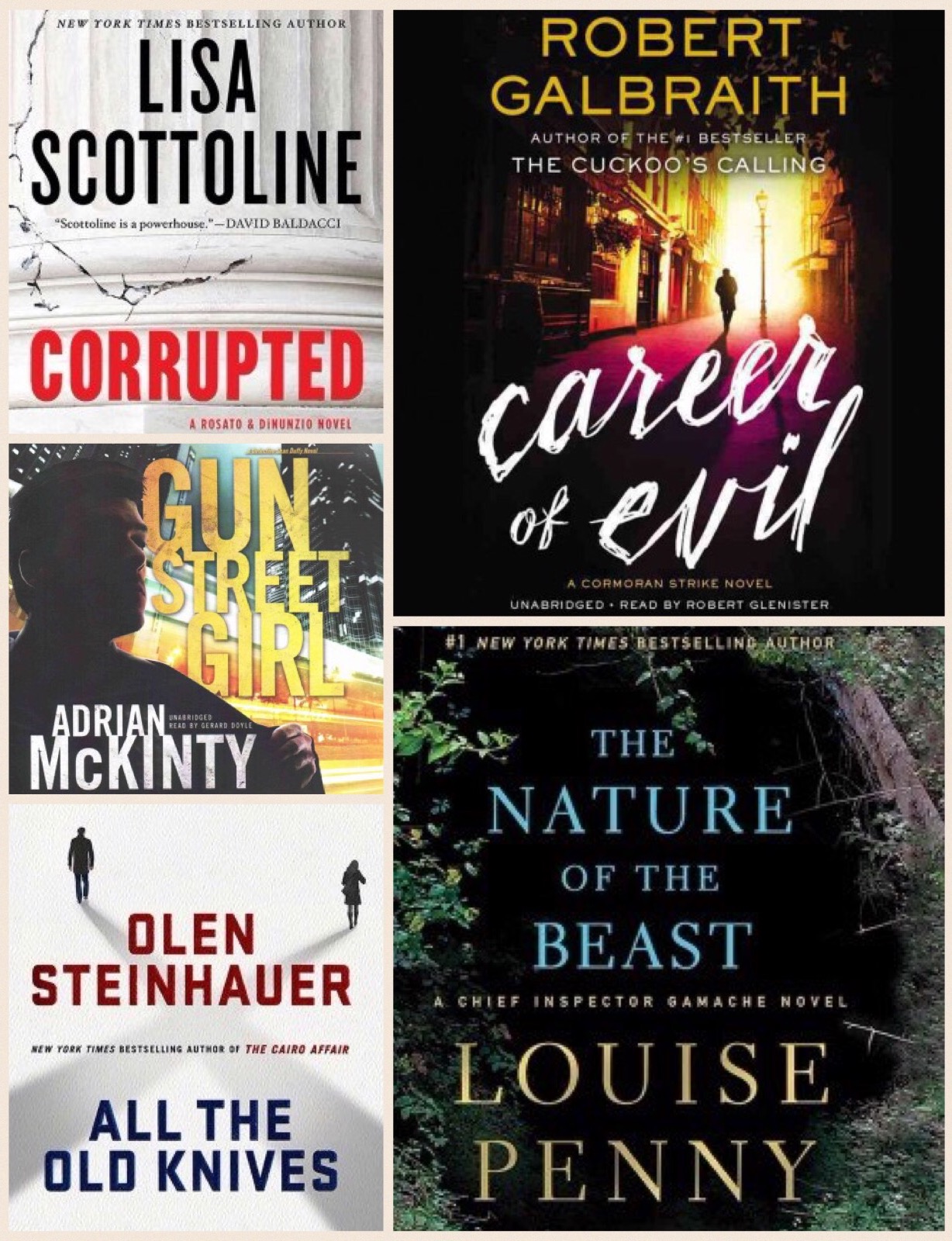
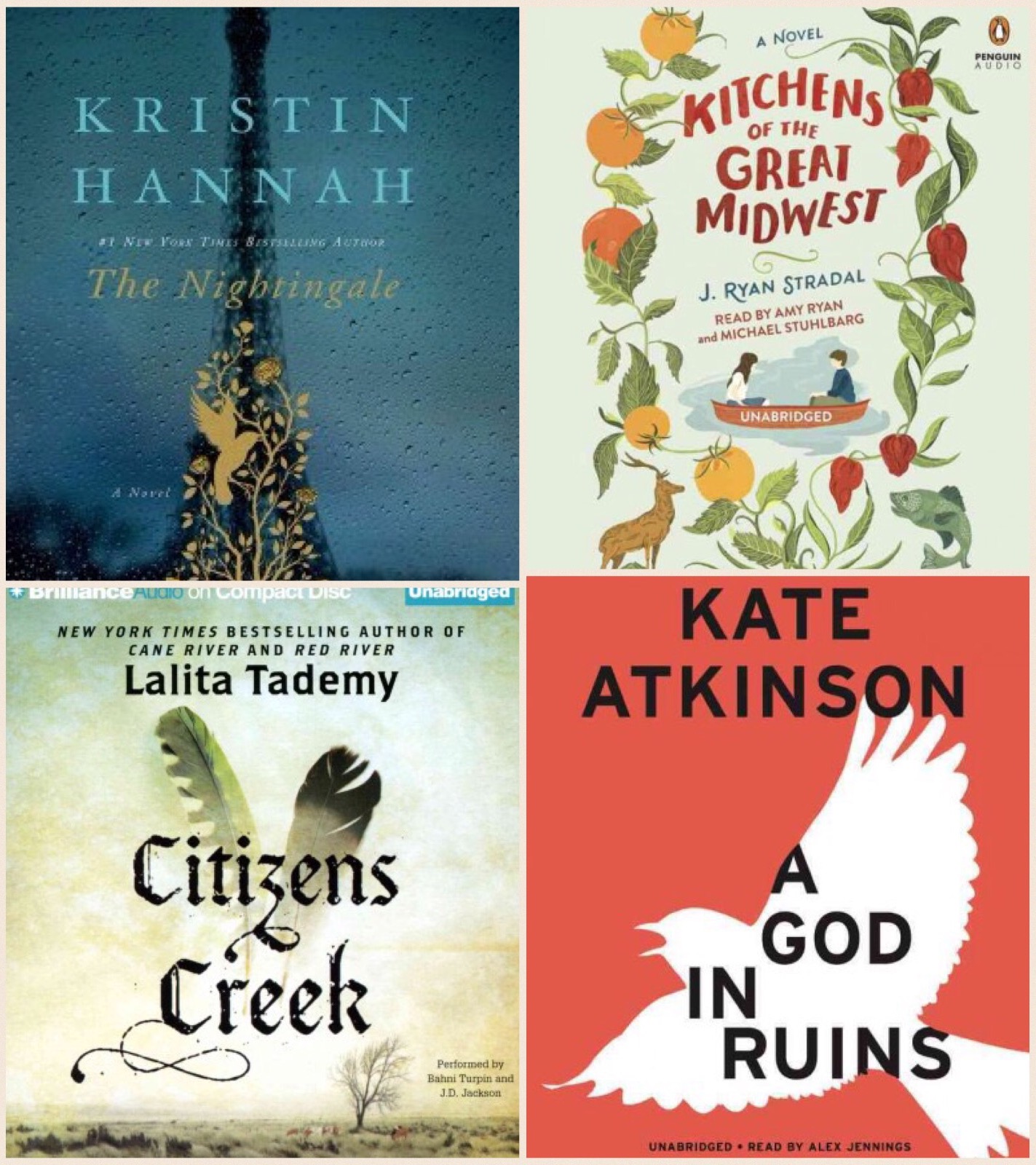
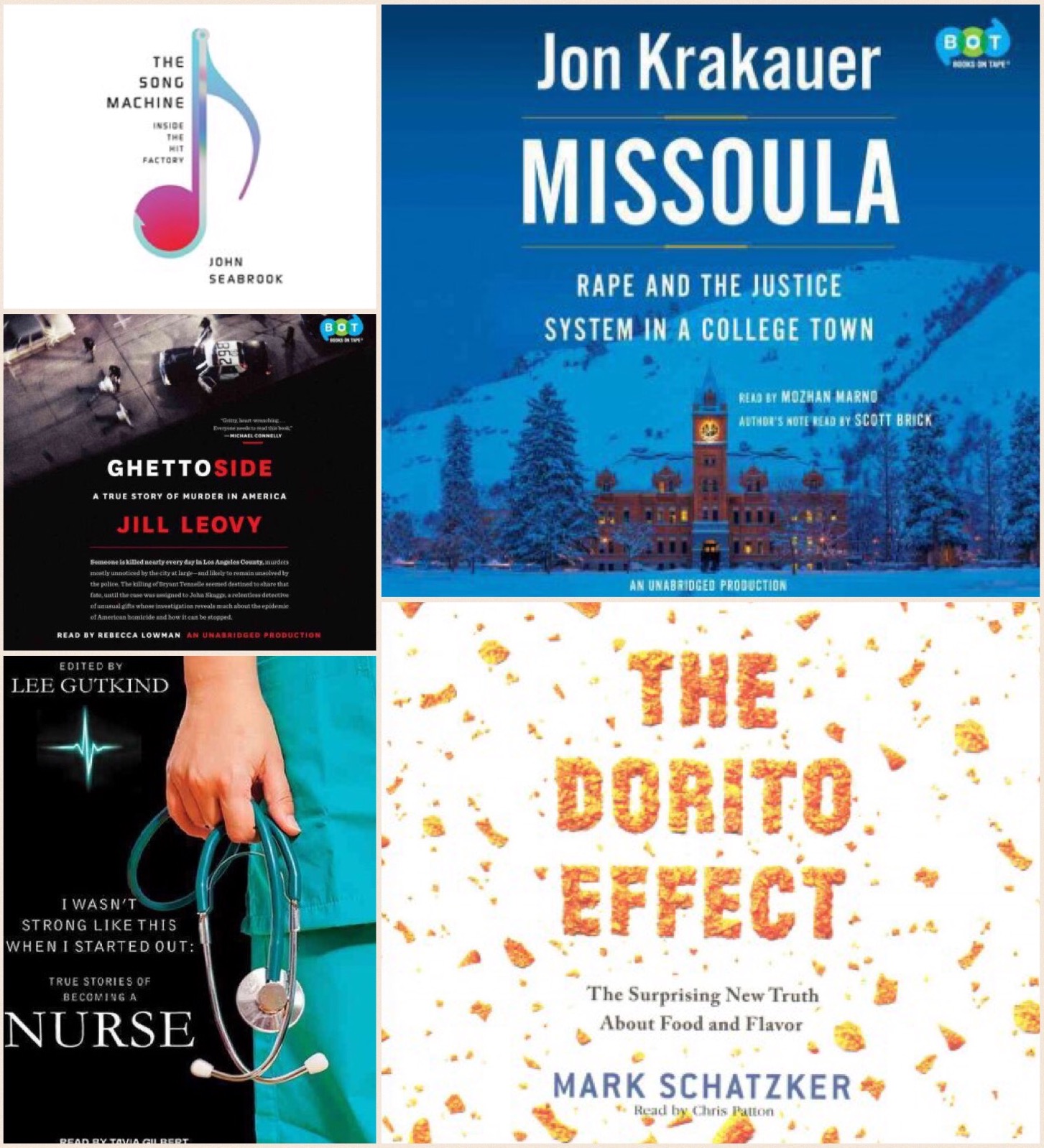
Capture1Recently, the Audio Publishers Association released their finalists for the 2016 Audie Awards. Once a smallish gathering of industry insiders, the Audies have taken on a lot more prestige these days. You might call them the Oscars of the audiobook world! There are a total of 135 audiobooks in 25 categories competing for awards this year, and the winners will be announced at the annual Audies Gala on May 11. We own many of the nominated titles, here are some in the most popular categories:

imageBest Female Narrator:

imageBest Male Narrator:

imageNarration by Author:

Mystery:

imageFiction:

imageNon-Fiction:

You can see the list of finalists in all categories, and even hear short sound clips, here.


Our Year in eBooks

We had a lot of eBook readers at Cheshire Library in 2015! Over 1000 unique users  checked out close to 8000 eBooks from our main digital catalog, OverDrive.

Here’s a breakdown our year in eBooks:

eBook Infographic-2015

Kindle was the preferred download format by a wide margin, and Go Set a Watchman was far and away the most downloaded eBook in our OverDrive collection in 2015.

Although OverDrive has our largest collection of eBooks, don’t forget that we also have ebooks available for download (with your Cheshire Library card) from our OneClick Digital and hoopla catalogs. Our “eLibraries” are open 24/7, you can check out books, movies, music, and magazines right from home whenever the mood strikes,  and the items return themselves, so there’s never a late fee! Head to the “Download It!” link on our website to learn more about our digital collections.


One Password to Rule Them All!

password

I’ve noticed some patrons who come to library tech tutoring struggle to keep track of their passwords. They scribble them in notebooks, tape them to their laptops, jot them down on post-its, and before they know it, they’ve lost them. Sound familiar?

Resetting a password is no simple matter either, and if you don’t have access to your email or remember your security questions, you might find yourself locked out of your account permanently.

Adding to the confusion, many of us have more than one password reset email, and we all certainly have more than one account we need to remember. As Technology Coordinator for the Library, I have about 100 passwords to remember at any given time, and that’s just for my job.

You’re really in trouble if you forget the password to your computer as one gentleman I recently worked with will tell you. His MacBook had no recovery partition, and we had to completely reinstall his entire computer—All for forgetting a little password!

Luckily, there are several companies offering solutions to the password dilemma. Two of my favorites are 1Password and LastPass.

1Password is an app that stores all of your passwords and automatically fills them in for you on websites. You can download it for Mac, Windows, iOS, Android, and as a browser extension for Safari, Chrome, and Firefox, so you’re never without your passwords everywhere you go. It even stores data for security questions, pin numbers, and anything else you might need.  All you need to remember is your one Master Password which will grant you access to your encrypted password database.

In the event your laptop stops working or you drop your iPhone in a toilet, you’re still covered. You can opt to backup your passwords to the cloud through DropBox or iCloud, or save it to a folder on an external backup drive. I use the DropBox backup, and it saved me when I lost a harddrive last year. All 184 passwords were still safe!

I really can’t say enough good things about 1Password. I use it every single day and it gives me immense peace of mind. If you’re struggling to remember and document your passwords in a reliable manner, definitely give 1Password or its similar competitor, LastPass, a try.


Technology Help – Need device advice? Schedule a one-on-one lesson in the basics of computers, laptops, tablets, and eReaders. Call the library at 203-272-2245 to make an appointment or come to our monthly Drop-in Tech Help program.


What the Heck is eLearning?

QuestionmarkWhat the heck is eLearning?

The mundane definition is “an online collection of educational resources”. But it’s much more than that!

eLearning is learning at your own pace. It is suited to your specific needs. You choose the time, the place, the subject.

Where do you find it? At cheshirelibrary.com/elearning.

What can you find? Job resources, including resume prep and career counseling. Language lessons. Book reviews. School help for Kindergarten through oh-my-God-I’m-going-back-to-school-after-twenty-years!

learningexpressLearning Express, an educational and career resources for all ages,  headlines the Cheshire Library’s eLearning page on our website. Here you will find seven learning centers:

School Center – Resources for elementary, middle school, and high school studentsboard-784347_640
High School Equivalency Center – Resources for the GED, HiSET and TASC
College Prep Center – Prep for the PSAT, SAT, ACT, admissions essays and more!
College Center – Strengthen academic skills, prepare for Grad entrance exams
Career Center – Learn more about a career, prepare for career exams, improve workplace skills
Adult Learning Center  – Improve skills in math, reading, writing; prepare to become a U.S. citizen and more
Recursos en Espanol – Resources for Spanish speaking residents including reading, writing and math, GED prep and American Citizenship prep

Our eLearning page also includes:
JobNow – Resume resources, job interview skills, career assessment
Transparent Language – Learn a language! Over 90 languages to choose from, including ESL.
Muzzy – The world’s #1 language course for kids!
NoveList – Book discussion guides, reviews & sample chapters.  Recommendations & read-alikes for all ages.

The best part? It’s all FREE with your Cheshire Library Card.

Not Quite Old School Anymore

phone

As I mentioned in a previous post, I’ve been lagging behind in embracing some technology.  I was still using a flip phone and was quite content with it.  But in keeping with my recent foray with new things (moving into a new home and buying way too many new things for it) and the fact that my phone was barely working, I took a huge leap and bought a smart phone.

It was quite a process and I took my time in researching the various options.  I started off by going to Cheshire Library’s website and under Research it! I clicked on Consumer ReportsFrom there I looked up the articles reviewing smart phones and thoroughly read them.  This was a great resource for someone who didn’t know anything about smart phones.  I settled on a phone I thought would be the best for me.  But in the end, knowing I would need some tech help from my daughters, I went with the same phone that they have.

cell phone 2If you are looking to move to a smart phone, or are thinking of replacing your current smart phone, the Cheshire Library is a great place to start.  Besides Consumer Reports, here are a few books that also might help you.

Galaxy S4 – The Missing Manual

Teach Yourself Visually –  android phones & tablets

IPhone: The Missing Manual